 Organizing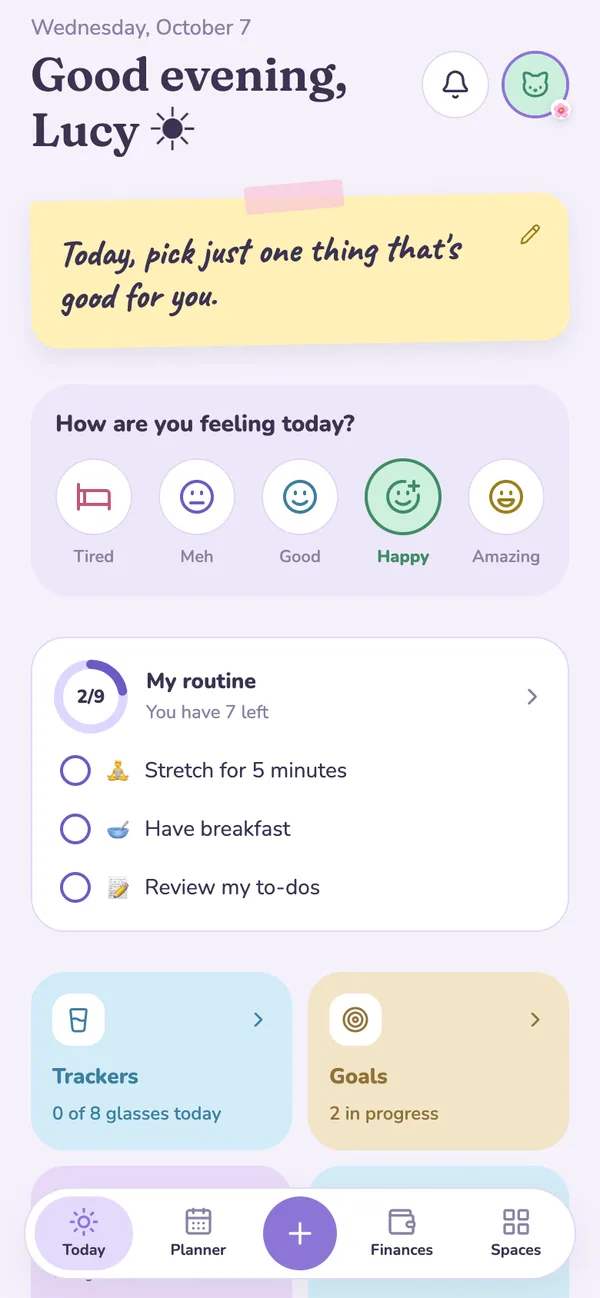

Mimi and Toby welcome you, plus new styles and receipt photos
The bunnies now move and celebrate your streaks, you can pick a sleek or neutral style for the app, and you can log an expense just by snapping the receipt.
Read articleideas to get organized calmly ✿ and what’s new in the app
The bunnies now move and celebrate your streaks, you can pick a sleek or neutral style for the app, and you can log an expense just by snapping the receipt.
Read article
Ask your assistant in your own words, share tasks with your company without showing your personal life, and learn the app with a 1-minute tour and step-by-step guides.

Dictate events, notes, expenses and trackers with your voice. We also added Savings with a plan, an optional My cycle tracker, sleep from Health, a help assistant, and a Mac version.

Recurring tasks, a morning, afternoon and night routine, monthly bills and debts, a motivational note on Home, your own alarm sounds, and Organizing in English.

Five small steps and a simple way to set them up in My routine so your mornings feel calmer.

List what you owe, choose a monthly payment or a target date, and use Debts in Finances to follow your progress without the stress.
A simple method to make room for what matters in your week using the weekly view of your planner.

What happens when you log how you feel every day for a month, and how to get started with the mood tracker.
How to use the reading tracker with its timer and bookshelf to build the habit of reading a little every day.

You can now create your own stickers from your photos and use them to decorate any screen in the app.